
A logistics firm in Bhiwandi ran its entire dispatch process on one Google Sheet. Forty-odd columns. Six people editing at the same time. Then somebody sorted one column without selecting the rest of the data, and two days of delivery records went sideways.
That is usually the exact moment a business starts searching for a low-code platform.
And the two names that show up first are almost always the same two. So let us do the comparison properly.
In a Zoho Creator vs AppSheet decision, both platforms let you build a working business app without a full development team. Both run on web and mobile. Both charge per user. But they approach the problem from opposite ends — and choosing wrong is rarely painful on day one. It gets painful around month fourteen, when you try to scale.
Zoho Creator vs AppSheet: the short answer
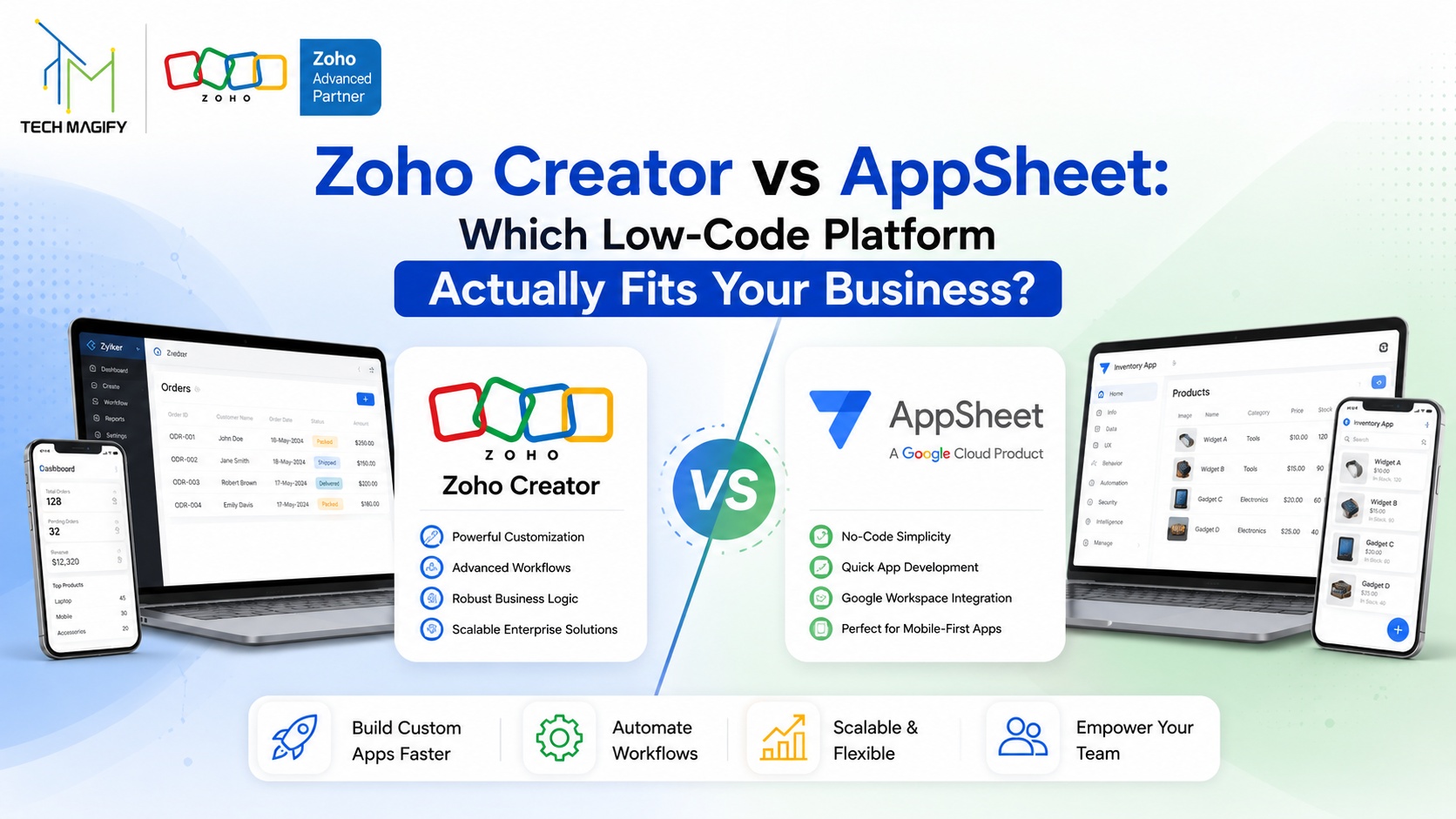
Zoho Creator is a low-code application development platform from Zoho that lets you build custom business apps using drag-and-drop forms, reports, pages and a scripting language called Deluge. Google AppSheet is a no-code platform that turns an existing spreadsheet or database into a mobile and web app. Creator suits full business systems. AppSheet suits fast, spreadsheet-driven apps for field teams.
The table below is the version most people actually need.
| Comparison Point | Zoho Creator | Google AppSheet |
| Built by | Zoho Corporation | Google Cloud |
| Core approach | Database-first — you design the data model | Spreadsheet-first — connects your existing data |
| Coding style | Low-code, with Deluge scripting for logic | No-code, formula-style expressions |
| Entry plan | $8/user/month (Standard, billed annually) | $5/user/month (Starter) |
| Most-used plan | $20/user/month (Professional) | $10/user/month (Core) |
| Top plan | $25/user/month (Enterprise) | $20/user/month (Enterprise Plus) |
| Free option | 15-day free trial | Free to build and test with up to 10 users |
| Data ceiling | Native cloud database, scales with plan | 2,500 rows per AppSheet database on lower plans |
| Ecosystem pull | Zoho CRM, Books, Inventory, People, Desk | Google Sheets, Drive, Workspace |
| Best suited for | Multi-module business systems and ERP-style workflows | Fast mobile apps for field and on-site teams |
Pricing shown is list pricing as published in 2026 and varies by region and contract.
What Zoho Creator does better
Creator starts with the database, not the sheet. You define what a record is, how records relate to each other, and what happens when one changes. That sounds like extra work in week one. It is what saves you in year two, when the app has grown from a leave tracker into something that touches purchase orders, inventory and payroll.
Deluge is the second reason. It is Zoho’s own scripting language, and it is genuinely readable — close enough to plain English that a smart ops person can follow it, powerful enough to run scheduled jobs, call external APIs, and handle logic that formula-only tools simply cannot express.
Then there is the ecosystem, which is the part people underestimate.
If your sales already sits in Zoho CRM and your accounts in Zoho Books, a Creator app slots into that stack without middleware. A vendor approval built in Creator can push straight into Books. A site inspection form can update a CRM deal stage the moment it is submitted. That is native, not a Zapier chain that breaks quietly at 2 AM. Our Zoho Creator implementation work is mostly this — apps that fill the gaps between standard Zoho modules.
Creator also handles the boring enterprise things well: role-based access, audit trails, customer portals, multi-currency, and integration with hundreds of business apps on the higher plans.
Where AppSheet pulls ahead
Speed. Honestly, nothing else comes close on a small build.
If your data already lives in Google Sheets and your team already uses Workspace, AppSheet can read that sheet and produce a usable mobile app in an afternoon. No data modelling session. No developer. Point it at the sheet, tidy up the column types, publish.
For field work it is very strong. Offline mode holds up on a site with no signal. Barcode scanning, NFC, GPS capture and photo uploads are built in rather than bolted on. A delivery team, a maintenance crew, a stock-audit team — AppSheet fits that shape of work almost perfectly.
And the free tier is a real advantage for testing. You can build and try an app with up to ten users at no cost, which means you can prove the idea before anyone signs a purchase order.
Zoho Creator pricing vs AppSheet pricing: read past the sticker
On paper AppSheet is cheaper. Starter sits at $5 per user per month against Creator’s $8 Standard plan, and the popular middle tiers are $10 against $20.
But per-user pricing is only half the bill.
AppSheet’s lower plans cap the built-in database at roughly 2,500 rows per database. For a five-person team logging site visits, that is fine. For a distributor pushing thousands of transactions a month, you will hit that wall and get pushed to Enterprise Plus at $20 per user — at which point the pricing gap has closed almost entirely.
Zoho Creator’s Professional plan, meanwhile, gives you unlimited applications on one licence. If your business needs four internal tools rather than one, the maths flips quickly.
Check the current numbers directly on the Zoho Creator pricing page and the Google AppSheet pricing page before you budget. Both vendors revise plans more often than the comparison blogs update.
So which one should you pick?
Pick AppSheet if your data lives in Google Sheets, your users are mostly out in the field, the app has one clear job, and your team size is small and unlikely to double. It will be live faster and cost less to start.
Pick Zoho Creator if you already run any part of the business on Zoho, if the app has to talk to accounting or CRM, if you need real workflow logic and approvals, or if you can see three more apps coming after this one.
There is also a middle path people forget. Plenty of businesses prototype in AppSheet, prove the process works, and then rebuild properly in Creator once the requirements are clear. That is not wasted effort — it is a cheap requirements document. Migrating the data later is a Zoho data migration exercise, and it is far easier than reverse-engineering a spec from scratch.
The one thing that does not work: building a serious operations system on a no-code tool because it was quick, then discovering at fifty users that the ceiling is real.
Frequently asked questions
Is AppSheet cheaper than Zoho Creator?
At entry level, yes. AppSheet Starter is $5 per user per month against Zoho Creator Standard at $8. But Creator’s Professional plan allows unlimited applications, while AppSheet’s cheaper plans limit database rows. For multi-app or high-volume use, Creator often works out cheaper overall.
Can I use Zoho Creator without other Zoho apps?
Yes. Creator is a standalone platform and works fine on its own. The integrations with Zoho CRM, Books and Inventory are a bonus, not a requirement. That said, businesses already inside the Zoho ecosystem get noticeably more value from it.
Does AppSheet work offline?
It does, and this is one of its strongest features. Field users can capture data without a network connection, and records sync once the device comes back online. This makes it a solid fit for delivery, inspection and warehouse teams.
Which platform is better for manufacturing or field service businesses?
It depends on scope. For a single mobile task like site inspections or stock counting, AppSheet is faster to deploy. For production planning, quality control and dispatch running as one connected system, Zoho Creator handles the complexity far better.
Do I need a developer for either platform?
For simple apps, no. Both are built for business users. For anything involving approvals across departments, external API calls or clean integration with your accounting system, a partner will save you months of trial and error.
Can I move from AppSheet to Zoho Creator later?
Yes. There is no automated one-click migration, but since AppSheet apps usually sit on spreadsheets or SQL, exporting that data and importing it into Creator is straightforward. The app logic gets rebuilt, which is normally an improvement anyway.
Building it right the first time
Choosing the platform is the easy half. Designing the data model so the app still works at ten times the volume — that is the part that decides whether this becomes an asset or a problem you inherit.
Tech Magify LLP is a Zoho Advanced Partner with 24+ years in technology consulting, 1,100+ projects delivered and 500+ clients across six countries. Our team holds certified expertise across Zoho Creator, CRM, Books, Projects, People and more — and we build Creator applications that connect properly to the rest of your business rather than sitting off to one side.
If you are weighing Zoho Creator vs AppSheet for a real project, talk to a Zoho partner in Mumbai who has built both. We will map your process, tell you honestly which platform fits, and scope the build before you commit to a licence.
Offices in Mumbai, Pune, Ahmedabad and Perth. Call +91-8657567900 or write to sales@techmagify.com for a free consultation.
Related reading: Zoho Creator services · Zoho Development · Zoho Integration · Zoho Consulting