
It’s 6:40 in the evening at a mid-sized fabrication unit outside Ahmedabad. A truck is waiting at the gate. The dispatch supervisor has the invoice, but not the e-way bill. The e-way bill needs the final weight, the final weight is in the production register, and the production register is with the shift in-charge, who left twenty minutes ago.
The truck leaves the next morning.
Nobody did anything wrong here. The problem is that the information lived in four places: a WhatsApp group, a Tally entry, a paper register and someone’s head. That’s the gap Zoho for manufacturing is meant to close. Not by replacing everything overnight, but by putting sales orders, stock, production and dispatch on one connected system, so the next person in line doesn’t have to chase anyone.
Tech Magify is a Zoho Advanced Partner with 24+ years in business software and 1,100+ delivered projects. We’ve set up Zoho for manufacturers across chemicals, insulation, beverages and engineering goods. This guide explains how the pieces fit, where Zoho works well for factories, and where it needs a little custom work.Can Zoho Be Used as a Manufacturing ERP?
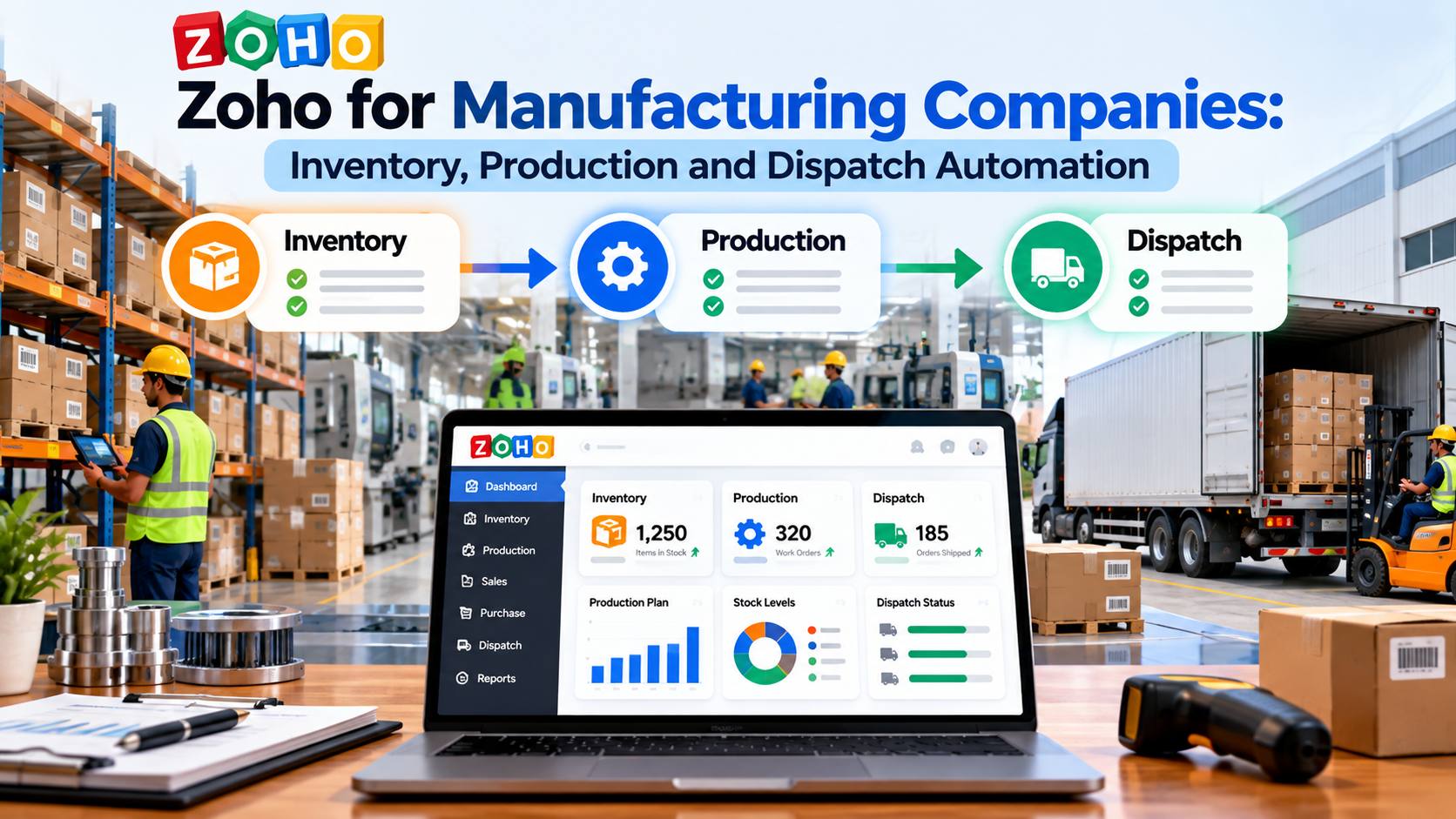
Yes. Zoho can work as a manufacturing ERP when its apps are connected properly. Zoho CRM handles enquiries and sales orders, Zoho Inventory manages stock and assemblies, Zoho Books covers accounting, GST and e-way bills, and Zoho Creator is used to build production modules such as bills of materials, work orders and quality checks that match your shop floor.
That last part is worth being clear about.
Zoho Inventory is excellent at stock. It tracks items across warehouses, handles batches and serial numbers, and supports composite items, which let you bundle raw materials into a finished product. For simple assembly, that’s often enough. But multi-stage production, machine-wise scheduling, scrap tracking and job cards usually need a custom layer. Zoho’s own manufacturing inventory page focuses on assembly and multi-warehouse features, and that’s accurate. The shop-floor side is where a partner builds on Zoho Creator.
Is that a weakness? Honestly, for many Indian SMEs it’s the opposite. Big ERP packages force a factory to follow the software’s idea of manufacturing. A Zoho setup can follow yours.
Which Zoho Apps Does a Manufacturer Actually Need?
Most manufacturers don’t need all 55+ Zoho apps. They need five or six, well connected.
| Business Area | Zoho App | What It Handles in a Factory |
| Sales and enquiries | Zoho CRM | Leads from IndiaMART, website and dealers, quotations, follow-ups, sales orders, dealer and distributor accounts |
| Stock and warehouses | Zoho Inventory | Raw material, WIP and finished goods, batches, serial numbers, reorder levels, multiple godowns, purchase orders |
| Production | Zoho Creator (custom app) | Bill of materials, work orders, job cards, stage-wise progress, scrap and rejection, quality checks |
| Accounts and compliance | Zoho Books | Invoicing, GST returns, e-invoicing, e-way bills, receivables, vendor payments |
| Reports | Zoho Analytics | Plant-wise output, stock ageing, order-to-dispatch time, collections, margin by product |
| Service (optional) | Zoho Desk or FSM | Complaints, warranty claims, installation and service visits |
If you’re wondering how these apps talk to each other, our guide on the Zoho ecosystem and Zoho One covers it in detail. For manufacturing specifically, you can also see how we approach different sectors on our industries we serve page.
Zoho Inventory for Manufacturing: Raw Material, WIP and Finished Goods
Stock is where most factories bleed money quietly.
Too much raw material, and cash sits on the shelf. Too little, and the line stops while someone calls the supplier. And somewhere in between is the stock that the register says exists but nobody can find.
Zoho Inventory fixes the visibility part first. Every item gets a SKU. Raw materials, packing material, semi-finished goods and finished goods each sit in their own category, across as many warehouses or godowns as you run. Reorder levels trigger alerts, and a purchase order can be raised from the alert itself. For chemicals, food and pharma-adjacent units, batch numbers and expiry dates are tracked on every movement. For engineering goods, serial numbers follow each unit from production to the customer.
WIP is trickier. Zoho Inventory on its own doesn’t treat work-in-progress as a separate stage. So in most of our setups, the production app in Zoho Creator moves material out of raw stock when a work order starts and pushes finished goods back into Zoho Inventory when the job closes. Stock stays accurate in real time. And the stores team stops doing month-end reconciliation that never quite matches.
Wondering whether this can pull in years of old stock data from Tally or Excel? It can. Our Zoho data migration process cleans duplicates and fixes item codes before anything goes live.
Production Planning and Work Orders in Zoho
Here’s where every factory is different, and where a template almost always falls short.
A typical production module we build on Zoho Creator starts with the bill of materials. For each finished product, it lists the raw materials, quantities, and acceptable wastage. When a sales order is confirmed in Zoho CRM, the system checks stock against the BOM and tells the planner, straight away, whether the order can be made with what’s on hand or what needs to be purchased first.
Then comes the work order. It carries the product, quantity, target date, machine or line, and the operator in charge. On the shop floor, supervisors update stage-wise progress from a phone or tablet (Zoho Creator apps run on Android and iOS), so the plant head sees what’s cutting, what’s welding, what’s in painting and what’s stuck. Rejections and scrap get logged at each stage with a reason, which is the only way to actually reduce them.
Quality checks can be built in too. A work order doesn’t move to “ready for dispatch” until the QC checklist is filled and approved. For exporters and companies supplying to large OEMs, that audit trail matters.
A lot of this depends on custom Zoho development, mostly Deluge scripts and Creator workflows. That’s normal. It’s also why we always map the actual shop-floor process first, walking the floor with the people who run it, before writing a single line of code.
Dispatch Automation: Invoices, E-Way Bills and Delivery Tracking
Back to the truck at the gate.
In a connected Zoho setup, when the work order closes and QC passes, the sales order moves to “ready to dispatch” automatically. The dispatch team sees a list of what’s ready, for whom, and in what quantity. They create the package and shipment in Zoho Inventory, and the invoice is generated in Zoho Books with the right GST rates already applied.
Zoho Books in India supports e-invoicing and e-way bill generation, connected to the government’s e-way bill system. So the e-way bill can be created from the invoice itself, with vehicle number and distance, without anyone retyping data into a separate portal.
The customer can then get an automatic email or WhatsApp message with the invoice, e-way bill number and expected delivery date. The sales rep sees it in Zoho CRM. Accounts sees the receivable in Zoho Books. Nobody has to call anybody.
That’s the whole point, really.
For companies that sell through distributors or dealers, the same flow can include dealer-wise schemes, credit limits and pending order reports. Living Root Beverages, one of our clients, runs its sales pipeline, inventory tracking and distributor management on Zoho CRM and Zoho Inventory in exactly this way.
Dashboards for the Plant Head and the Owner
Owners of manufacturing businesses often tell us the same thing. “I don’t want more reports. I want to know what’s going wrong before it goes wrong.”
Fair enough.
With Zoho Analytics, data from CRM, Inventory, Books and the Creator production app sits in one place. A plant head can see today’s output against target, pending work orders, machine-wise rejection rates and raw material that’s about to run short. An owner can see order book value, order-to-dispatch time, overdue receivables and gross margin by product line. Both views refresh on their own.
Zoho also offers AI features through Zoho Zia, which can flag unusual patterns, such as a sudden spike in rejections on one line or a drop in orders from a key dealer. It’s not magic. But it does catch things a busy person would miss on a Monday morning.
What Does Zoho for Manufacturing Cost?
Costs have two parts. Zoho licences, billed by Zoho per user, and the partner’s implementation and customization fee. For a small to mid-sized manufacturer using CRM, Inventory, Books and a custom production app, implementation typically falls in the mid-level to advanced range, depending on the number of plants, product complexity and integrations.
We’ve broken this down in detail in our guide on how much Zoho customization costs, including partner fees, timelines and the hidden costs worth budgeting for.
A Realistic Rollout Plan for Manufacturers
Trying to switch the whole factory over in one weekend is how Zoho projects fail. We usually recommend three phases.
Phase 1 (4 to 6 weeks): Sales and stock. Zoho CRM for enquiries and sales orders, Zoho Inventory for stock across godowns, and Zoho Books for invoicing and GST. Old data comes in. The team gets trained. This alone removes a lot of daily confusion.
Phase 2 (6 to 10 weeks): Production. The Zoho Creator production app with BOM, work orders, stage tracking, scrap and QC. Connected to Inventory so stock updates itself.
Phase 3 (3 to 4 weeks): Dispatch and reporting. Automated dispatch flow, e-way bills from Books, customer notifications, and Zoho Analytics dashboards for the plant head and management.
Each phase goes live on its own. People get used to one change before the next one arrives. And if priorities shift halfway, which they often do, you’re not stuck with half a system.
When Flex Insulation came to us, the first priority was simply getting a clear view of their sales pipeline. Their feedback afterwards was that from lead capture to deal closure, everything became tracked, automated and reportable, and that the team understood their manufacturing business. That understanding is what makes the later phases easier.
Frequently Asked Questions
Is Zoho suitable for small manufacturing companies in India?
Yes. Zoho works well for small and mid-sized Indian manufacturers because it is priced per user, supports GST, e-invoicing and e-way bills through Zoho Books, and can be customized without the cost of a large ERP. Many small units start with CRM, Inventory and Books, and add a production app later.
Does Zoho Inventory have a manufacturing module?
Zoho Inventory supports composite items and assemblies, which cover simple manufacturing where raw materials are combined into a finished product. For bills of materials, multi-stage work orders, scrap tracking and job cards, most manufacturers use a custom production app built on Zoho Creator and connected to Zoho Inventory.
Can Zoho replace Tally for a manufacturing company?
Zoho Books can handle accounting, GST returns, e-invoicing and e-way bills, so many manufacturers move from Tally to Zoho Books. Some prefer to keep Tally for accounts and connect it to Zoho CRM and Inventory. Both approaches work, and the right one depends on your accounts team and auditor.
How long does it take to implement Zoho in a factory?
A phased rollout usually takes 3 to 5 months in total. Sales and stock can go live in 4 to 6 weeks, production in another 6 to 10 weeks, and dispatch automation with dashboards in 3 to 4 weeks after that. Smaller setups can be faster.
Can shop-floor staff use Zoho on mobile?
Yes. Zoho Creator apps, Zoho CRM and Zoho Inventory all have Android and iOS apps. Supervisors can update work order progress, log rejections and complete QC checklists from a phone or tablet, even with basic training.
Can Zoho connect with machines or existing ERP software?
Zoho can connect with other software through APIs, Zoho Flow and custom Deluge functions. Many manufacturers connect Zoho with Tally, older ERP systems, IndiaMART, e-commerce platforms or barcode tools. Direct machine data integration is possible in some cases but needs a proper technical assessment first.
Talk to a Zoho Partner Who Understands Manufacturing
Every factory runs a little differently. That’s exactly why a generic ERP demo rarely answers the questions that matter to a plant head.
Tech Magify has helped manufacturers in chemicals, insulation, beverages and engineering goods bring sales, inventory, production and dispatch onto Zoho. We start by understanding how your shop floor actually runs, then design the system around it. You can read what our manufacturing clients say on our client testimonials page.
Write to sales@techmagify.com, call +91-8657567900, or speak with a Zoho partner in Mumbai for a free consultation on Zoho for manufacturing.
Related reading: How Much Does Zoho Customization Cost? Partner Fees, Timelines and Hidden Costs