
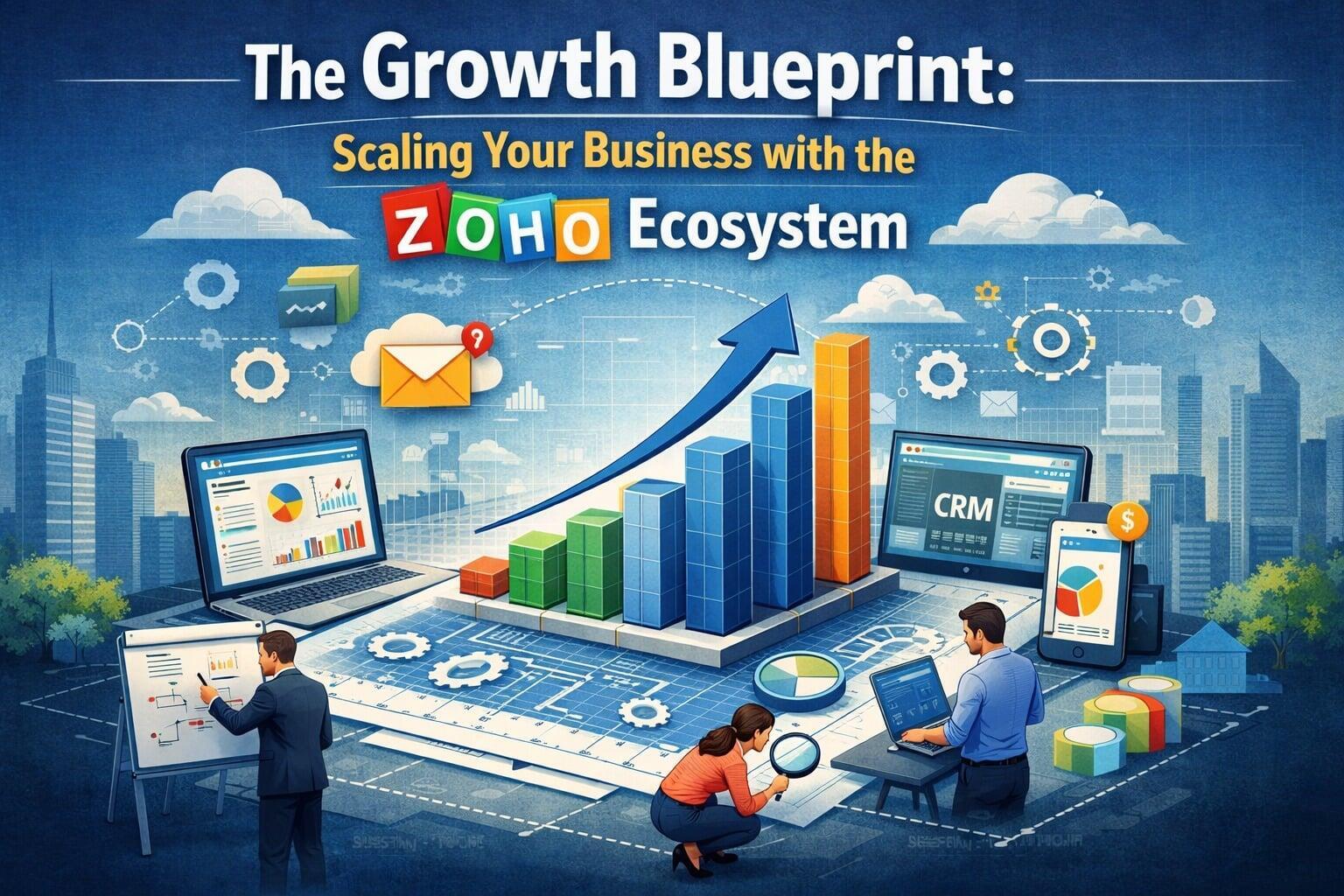
In the competitive business landscape of 2026, scaling is no longer just about hiring more people or increasing production; it is about building a robust digital infrastructure that grows with you. For many high-growth organizations, the answer lies in the Zoho ecosystem—a unified suite of over 55 applications designed to manage every facet of business operations.
However, simply purchasing a subscription is not enough. True scalability requires strategic alignment, custom workflows, and expert implementation. This is where Zoho development services become the catalyst for transformation. By leveraging tailored development, businesses can move beyond "out-of-the-box" limitations and build a bespoke operating system that drives efficiency and revenue.
1. The Scaling Challenge: Why Disconnected Tools Stunt Growth
Most businesses begin their journey with a patchwork of software: one for accounting, another for email marketing, and perhaps a separate spreadsheet for lead tracking. As the business scales, this "fragmented stack" creates several critical bottlenecks:
Data Silos: Information trapped in one department isn't visible to others, leading to misaligned goals.
Manual Overload: Employees spend more time moving data between apps than performing high-value tasks.
Lack of Real-Time Insights: Without a unified view, leadership cannot make proactive, data-driven decisions.
The Zoho ecosystem solves these issues by providing a single source of truth. But to unlock its full potential, businesses often need Zoho development services to bridge the gap between their unique processes and the software’s architecture.
2. Core Pillars of the Zoho Ecosystem
To understand how to scale, one must first understand the "types of Zoho services" available within this vast ecosystem. Zoho categorizes its offerings to cover every functional area of an enterprise:
A. Sales and Customer Relationship (CRM)
Zoho CRM remains the flagship. It allows sales teams to automate lead scoring, manage deal pipelines, and use AI-driven insights (Zia) to predict sales outcomes. Custom development can add industry-specific modules, ensuring the CRM speaks the language of your specific niche.
B. Finance and Accounting
Zoho Books, Zoho Invoice, and Zoho Expense provide a comprehensive financial suite. These tools automate recurring billing, track expenses, and ensure tax compliance across multiple regions.
C. Human Resources (HRMS)
Zoho People and Zoho Recruit manage the entire employee lifecycle—from the initial job posting and onboarding to performance appraisals and exit interviews.
D. Custom Applications (Low-Code)
Perhaps the most powerful tool for scaling is Zoho Creator. This low-code platform allows for custom application development, enabling businesses to build niche tools (like an inventory tracker for a specialized warehouse or a custom portal for vendors) that integrate natively with the rest of the Zoho suite.
3. The Strategic Role of Zoho Development Services
While Zoho is user-friendly, enterprise-level scaling requires more than just basic setup. Professional Zoho development services provide the technical muscle needed to customize the environment.
Custom Scripting with Deluge
Zoho uses a proprietary scripting language called Deluge. Expert developers use Deluge to create complex "if-this-then-that" scenarios across multiple Zoho apps. For example, when a deal is closed in Zoho CRM, a developer can script a workflow that automatically creates a project in Zoho Projects, generates an invoice in Zoho Books, and sends a welcome kit via Zoho Desk.
Third-Party Integrations
Rarely does a business run entirely on one brand. You might use specialized niche tools or legacy systems. Development services enable seamless API integrations, ensuring data flows between Zoho and external platforms without manual intervention.
Tailored Portals
Scaling often involves giving clients or partners limited access to your data. Developers can build custom portals where clients can view project progress, pay invoices, or submit support tickets, enhancing the professional image of the scaling business.
4. Key Benefits of Zoho for Growing Enterprises
Why are so many C-suite leaders choosing this path? The benefits of Zoho are particularly evident when a business hits its "growth spurt":
Cost Efficiency: Compared to other enterprise giants, Zoho offers a significantly lower Total Cost of Ownership (TCO), allowing businesses to reinvest saved capital into growth initiatives.
Unmatched Scalability: You can start with a single user on Zoho CRM and scale to 10,000+ users across the entire Zoho One suite without changing your underlying infrastructure.
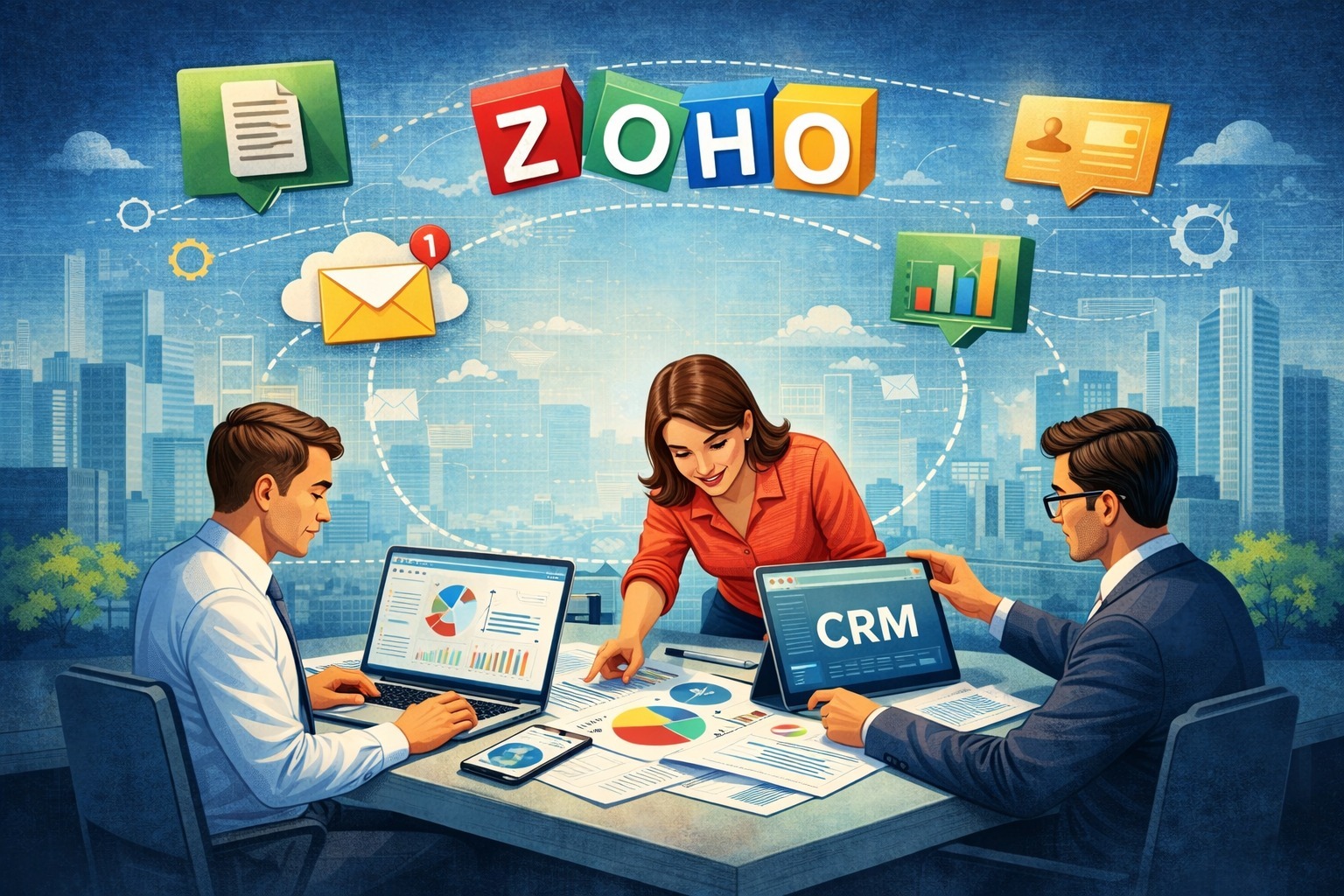
Unified Data Analytics: Zoho Analytics can pull data from every department—finance, sales, HR—to create a "Executive Command Center" dashboard.
Security and Privacy: Zoho is known for its "no-ad-revenue" model, prioritizing user data privacy and meeting global compliance standards like GDPR and SOC 2.
5. How to Scale a Business with Zoho: A 5-Step Blueprint
Scaling isn't an overnight event; it’s a phased approach. Here is the blueprint for success:
Step 1: Audit Your Current Workflows
Identify where your team is doing manual data entry or where leads are "falling through the cracks." This audit forms the basis for your Zoho architecture.
Step 2: Choose the Right Licensing
For most scaling businesses, Zoho One is the best choice. It provides access to nearly all Zoho applications under a single, affordable per-user license, eliminating the need to manage dozens of separate subscriptions.
Step 3: Implement with Custom Development
Work with a partner to handle the migration of your legacy data. Use Zoho development services to customize the UI, build custom modules, and set up automated workflows that mirror your most successful business processes.
Step 4: Train Your Team (The Adoption Phase)
Software is only as good as the people using it. Host training sessions for each department, focusing on how the new system makes their specific jobs easier.
Step 5: Continuous Optimization
The beauty of the Zoho ecosystem is its flexibility. As your business changes, you can use Zoho Creator to build new tools or adjust your CRM blueprints to match new market realities.
6. The Future of Scaling: AI and Automation in 2026
By 2026, Artificial Intelligence has moved from a "nice-to-have" to a core component of the Zoho ecosystem. Zia, Zoho's AI assistant, now helps businesses scale by:
Sentiment Analysis: Reading customer emails and alerting support teams to "unhappy" tones before they escalate.
Anomaly Detection: Notifying the CFO if a financial transaction looks unusual or if sales dip unexpectedly in a certain region.
Predictive Sales: Telling sales reps exactly which lead is most likely to convert this week.
Scaling with Zoho in this era means letting AI handle the "predictable" while your human talent focuses on the "creative."
Conclusion: Building for the Long Term
Scaling a business is a marathon, not a sprint. The Zoho ecosystem provides the modularity and power needed to support that journey from startup to enterprise. By investing in professional Zoho development services, businesses ensure that their technology is an accelerator, not a hurdle.
Whether you are looking to unify your departments, automate your finances, or build custom apps on Zoho Creator, the growth path is clear. With the right tools and the right implementation partner like Techmagify, your business won't just grow—it will thrive.
FAQs
Q1. How can the Zoho ecosystem help in scaling a small business?
Ans. The Zoho ecosystem helps small businesses scale by providing a unified platform that eliminates disconnected tools and manual data entry. As a business grows, it can seamlessly transition from individual apps to the comprehensive Zoho One suite, allowing for the automation of complex workflows across sales, finance, and HR. This modularity ensures that the technology infrastructure expands alongside the company without the need for costly migrations.
Q2. Which Zoho applications are most important for business growth?
Q3. How does Zoho integration improve team productivity and workflow?
Q4. Is Zoho suitable for startups as well as large enterprises?
Ans. Zoho is uniquely designed to cater to both ends of the spectrum, offering affordable, low-code solutions for startups and high-level customization for large enterprises. Startups benefit from generous free tiers and "pay-as-you-grow" models, while enterprises leverage Zoho’s robust security, global compliance, and extensive API capabilities. Its inherent flexibility and scalability make it a long-term partner for any business stage.
Q5. What are the key benefits of using multiple Zoho apps together?
Ans. Using multiple apps within the Zoho ecosystem unlocks unmatched synergy, such as triggering marketing campaigns based on customer behavior or automating employee onboarding. It significantly lowers the Total Cost of Ownership (TCO) by consolidating various software subscriptions into a single, predictable monthly invoice. Additionally, centralized administrative control allows for stronger data security and role-based access across the entire organization.